|
This is unreleased documentation for SUSE® Virtualization v1.9 (Dev). |
Clone a Virtual Machine
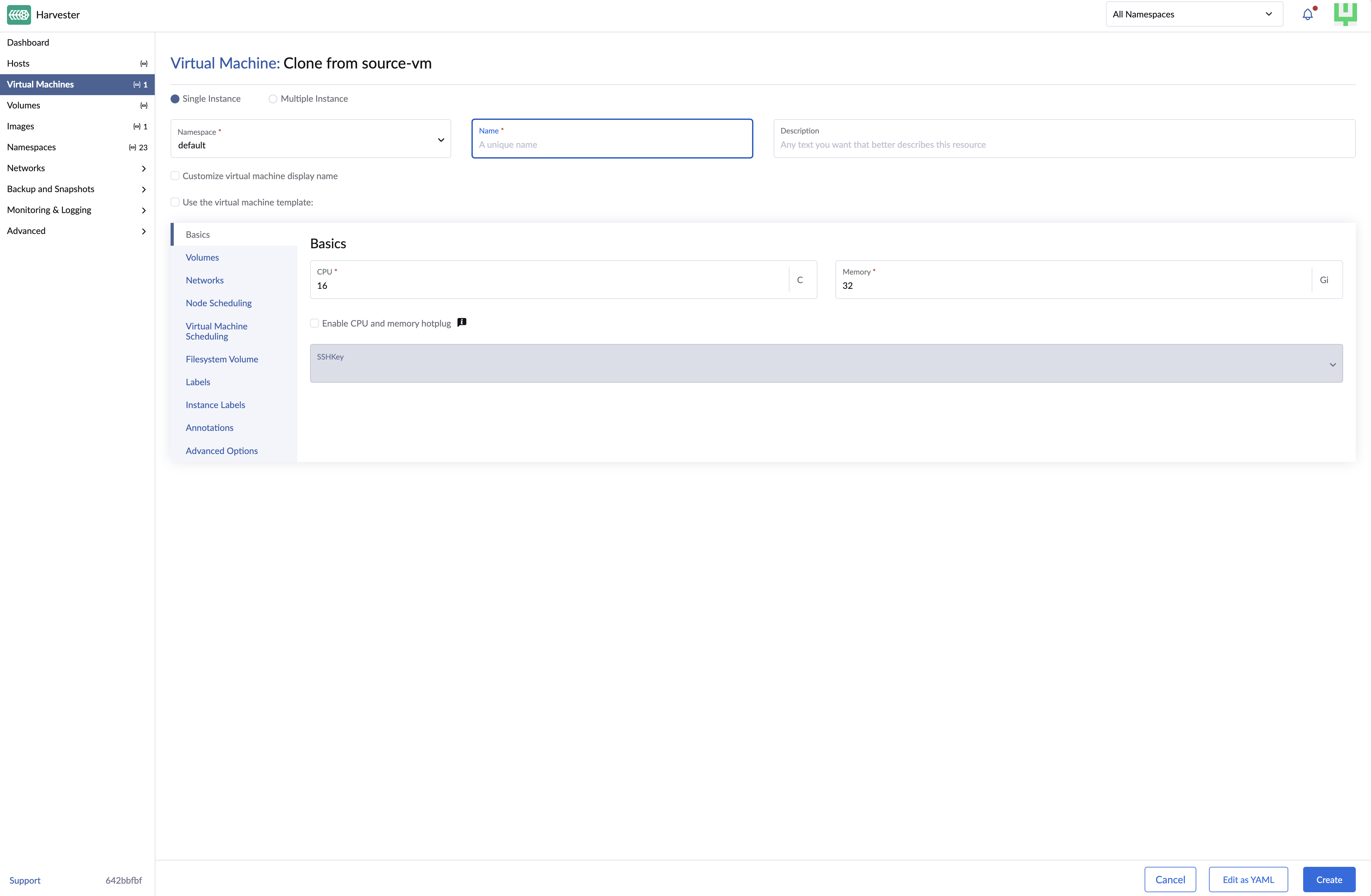
Virtual machines can be cloned with or without data. This function doesn’t need to take a virtual machine snapshot or set up a backup target first.
The cloned virtual machine inherits the source’s basic configuration. You can choose whether to include the source’s volume data, as well as customize the clone’s name and run strategy.
Cloning a virtual machine with volume data
-
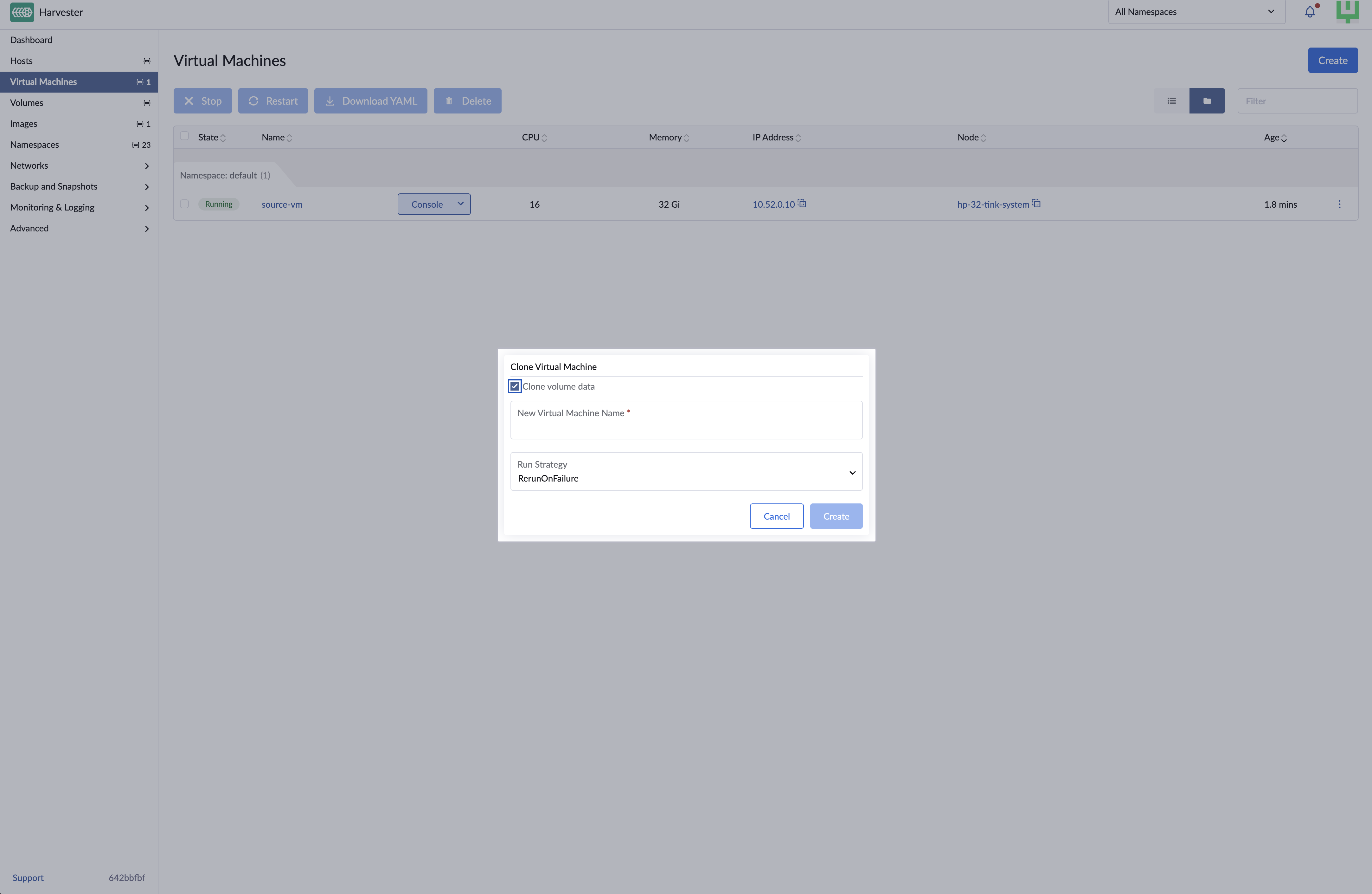
On the Virtual Machines screen, locate the target virtual machine and select ⋮ → Clone.
-
Specify a unique name for the cloned virtual machine.
-
Select a run strategy.
The cloned virtual machine uses the source’s run strategy by default.
-
Click Create.
Cloning a virtual machine without volume data
-
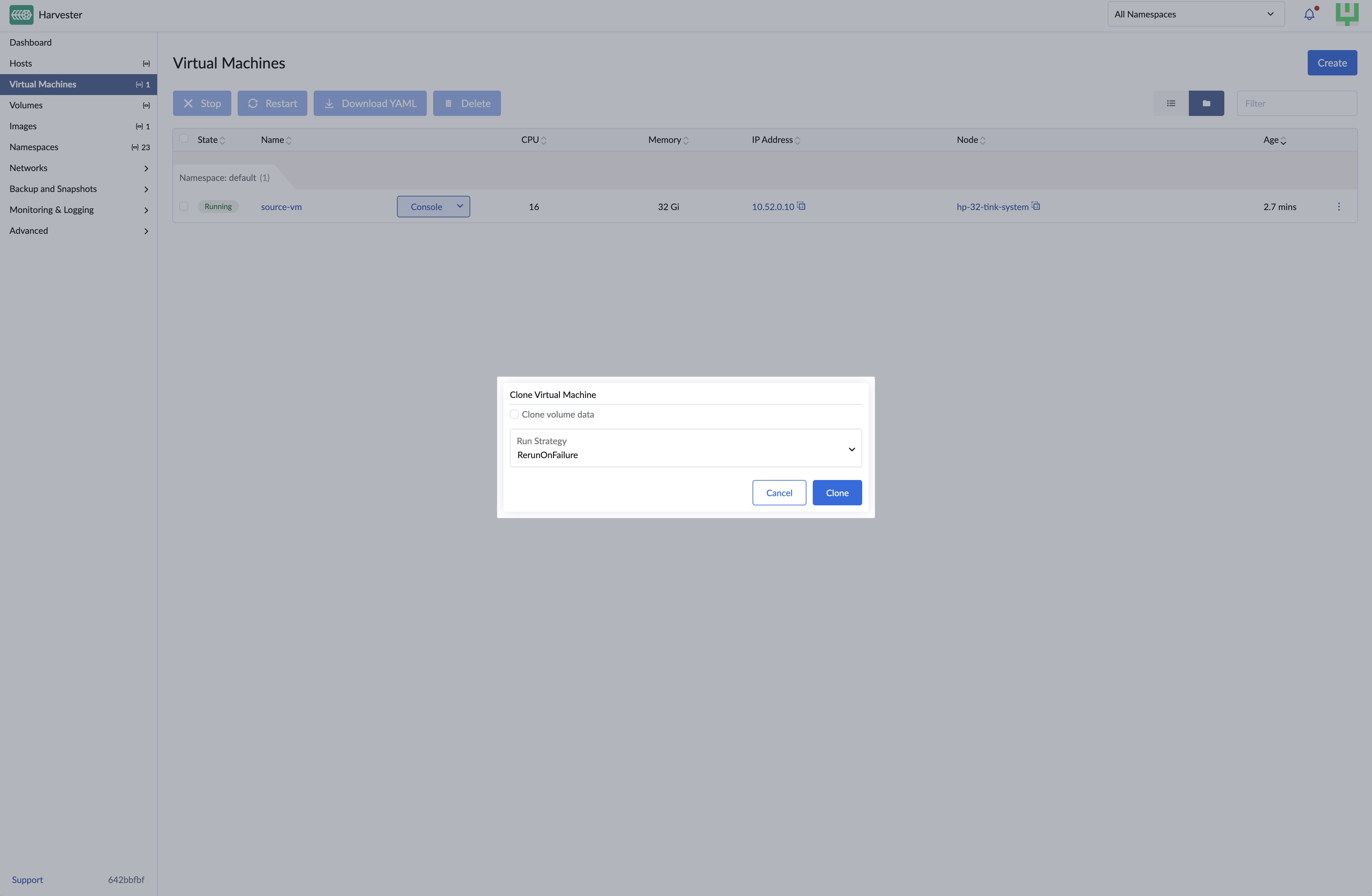
On the Virtual Machines screen, locate the target virtual machine and select ⋮ → Clone.
-
Clear Clone volume data.
-
Specify a unique name for the cloned virtual machine.
-
Select a run strategy.
The cloned virtual machine uses the source’s run strategy by default.
-
Click Create.
EFI and vTPM persistent states
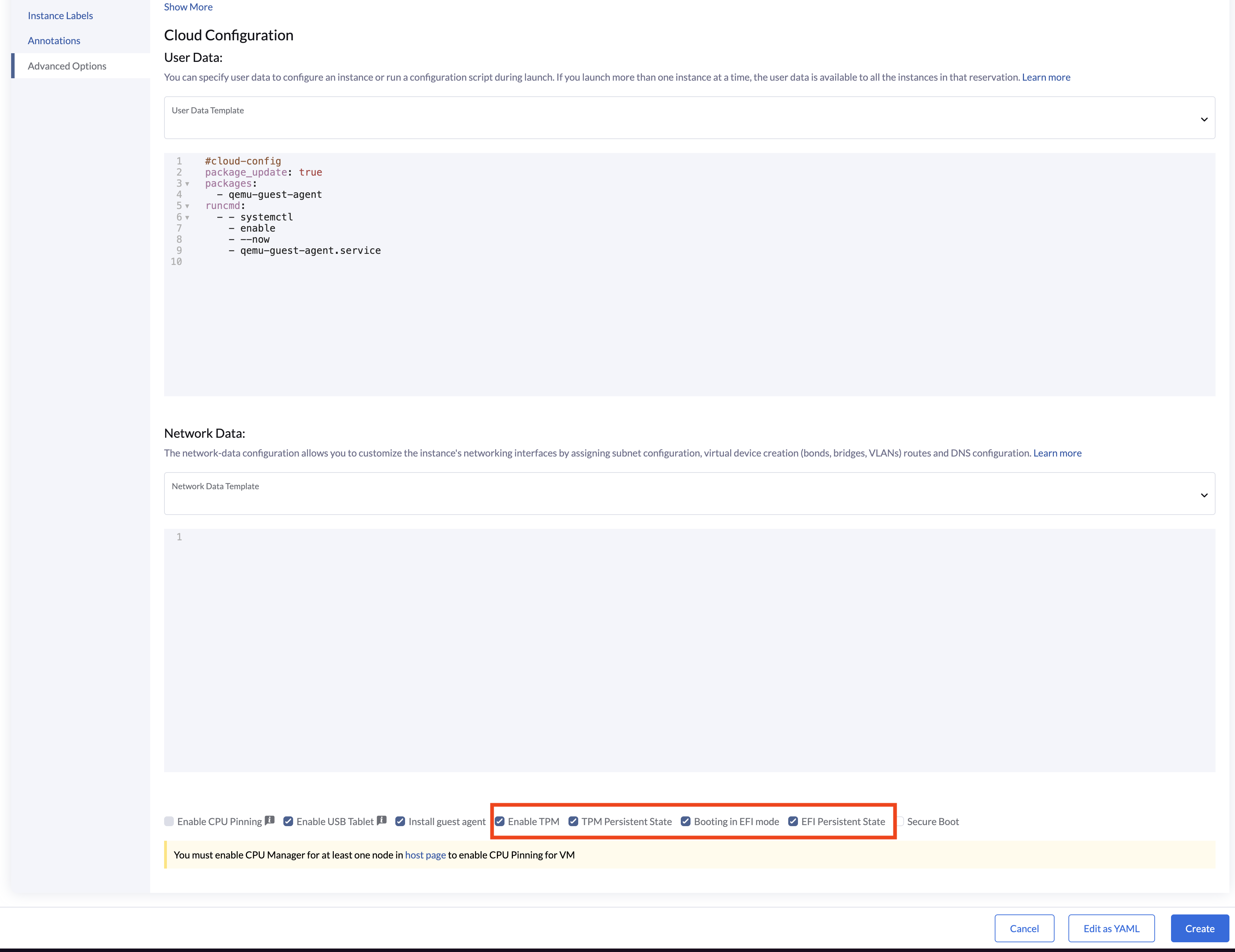
SUSE Virtualization supports cloning virtual machines that use persistent EFI or vTPM states. During cloning, SUSE Virtualization copies the underlying persistent data that the guest operating system depends on. This ensures the cloned virtual machine retains vital configuration details, such as EFI NVRAM settings and vTPM-stored data (including BitLocker recovery keys).
You can enable EFI and/or vTPM independently before cloning. SUSE Virtualization preserves only the persistent state required by the cloned virtual machine.
| EFI Status | vTPM Status | SUSE Virtualization Behavior |
|---|---|---|
Enabled |
Enabled |
Preserves both persistent states |
Enabled |
Disabled |
Preserves only the EFI state |
Disabled |
Enabled |
Preserves only the vTPM state |
Disabled |
Disabled |
Skips processing of persistent state storage |
The cloned virtual machine may remain in the Pending state while SUSE Virtualization prepares the persistent state storage.
|
EFI and vTPM persistent states are stored separately from the volumes listed in Because the persistent state is copied directly from the source, the cloned virtual machine will inherit identical guest-visible firmware identifiers (including the firmware UUID). However, the clone retains its own virtual machine object identity within SUSE Virtualization. |