|
This is unreleased documentation for SUSE® Virtualization v1.9 (Dev). |
Creating a K3s Kubernetes Cluster
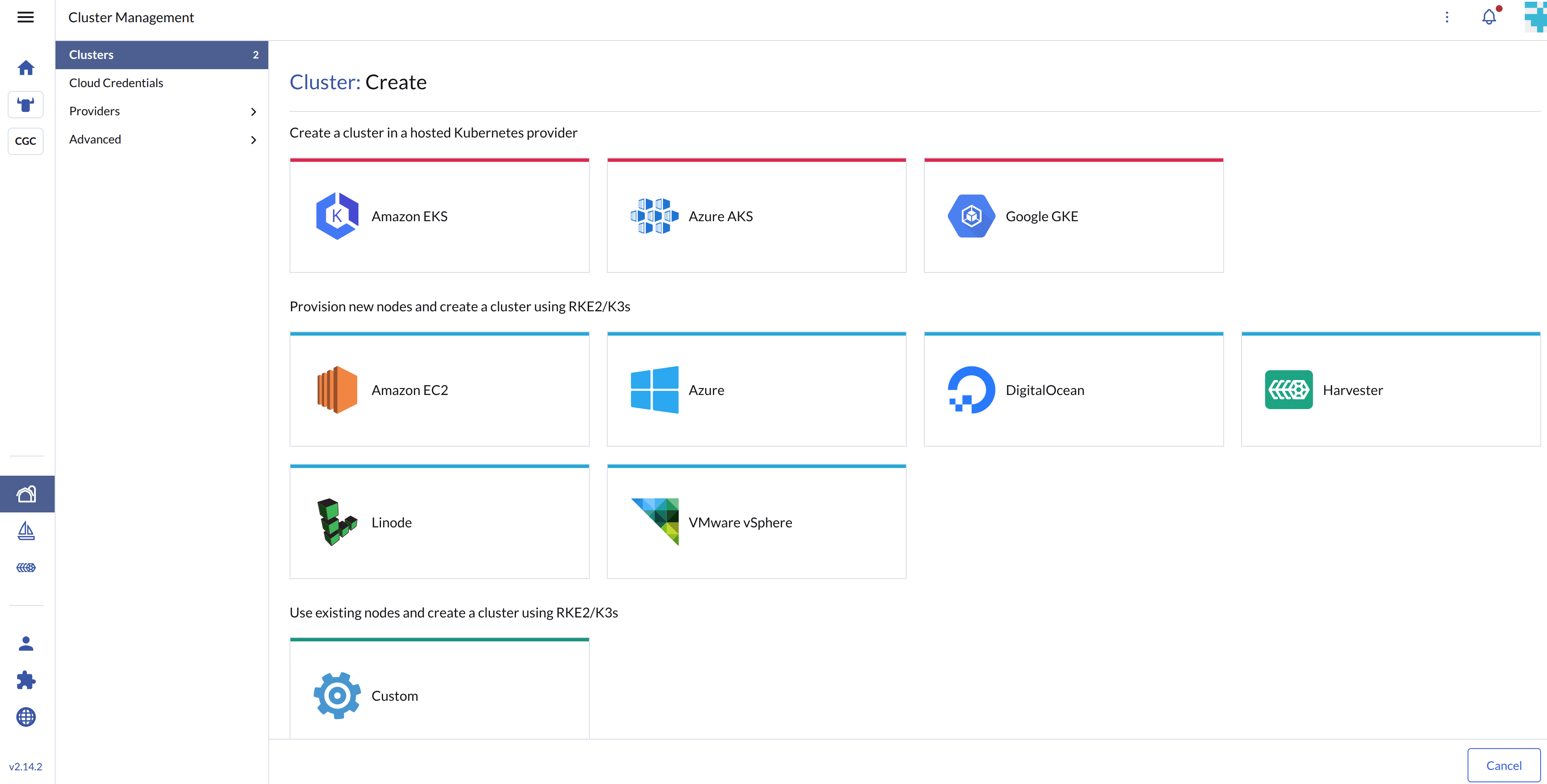
You can now Provision new nodes and create a cluster using RKE2/K3s on top of the SUSE Virtualization cluster in Rancher using the built-in Harvester Node Driver.
|
Create your cloud credentials
-
Click ☰ > Cluster Management.
-
Click Cloud Credentials.
-
Click Create.
-
Click Harvester.
-
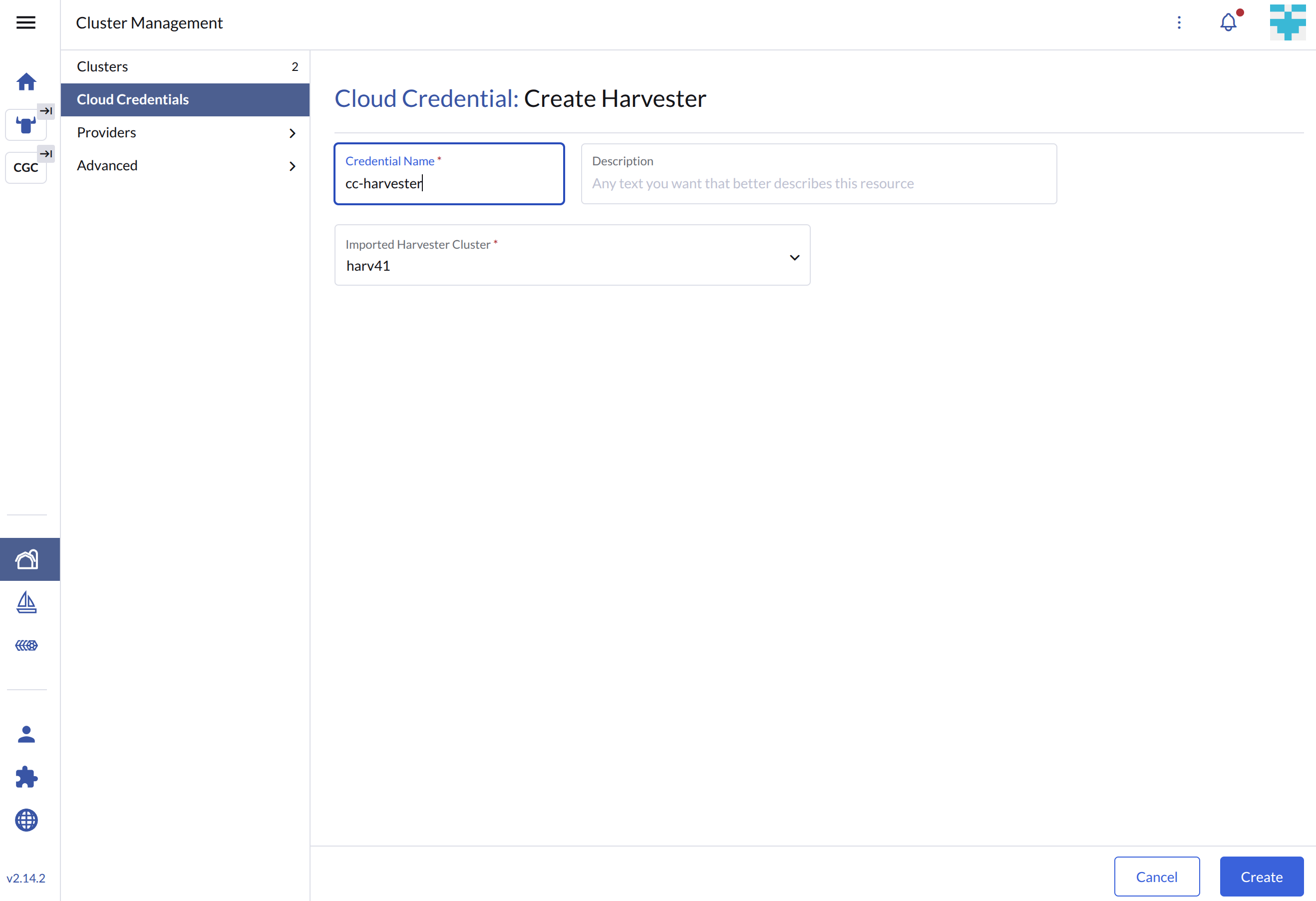
Enter your cloud credential name
-
Select "Imported Harvester Cluster".
-
Click Create.
Create K3s Kubernetes cluster
Users can create a K3s Kubernetes cluster from the Cluster Management page via the Harvester Node Driver.
-
Select Clusters menu.
-
Click Create button.
-
Select Harvester node driver.
-
Select a Cloud Credential.
-
Enter Cluster Name (required).
-
Enter Namespace (required).
-
Enter Image (required).
-
Enter Network Name (required).
-
Enter SSH User (required).
-
(optional) Configure the Show Advanced > User Data to install the required packages of VM.
#cloud-config package_update: true packages: - qemu-guest-agent runcmd: - - systemctl - enable - '--now' - qemu-guest-agent.service -
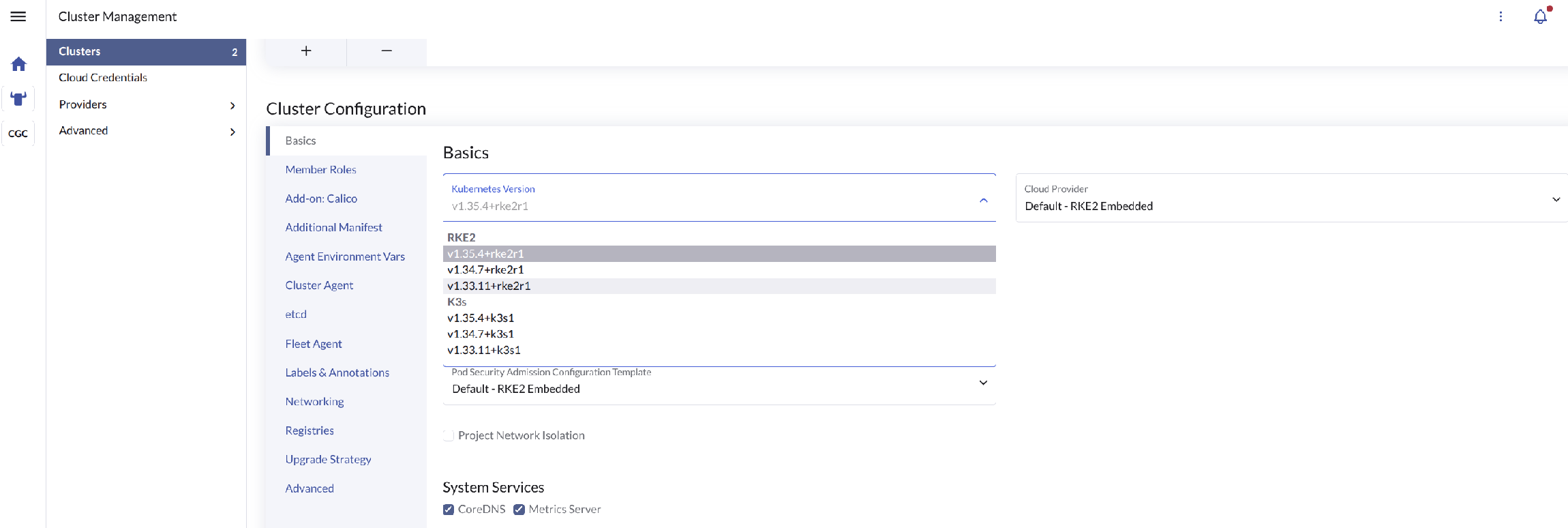
In the Basics section, use the Kubernetes Version drop-down menu to select your preferred Kubernetes distribution (RKE2 or K3) and its corresponding version.
-
Configure cluster-specific settings. (Loads dynamically based on your selection).
-
Click Create.
|
Machine Pools (Basic)

Machine Pools (Advanced)

Kubernetes Distribution & Version
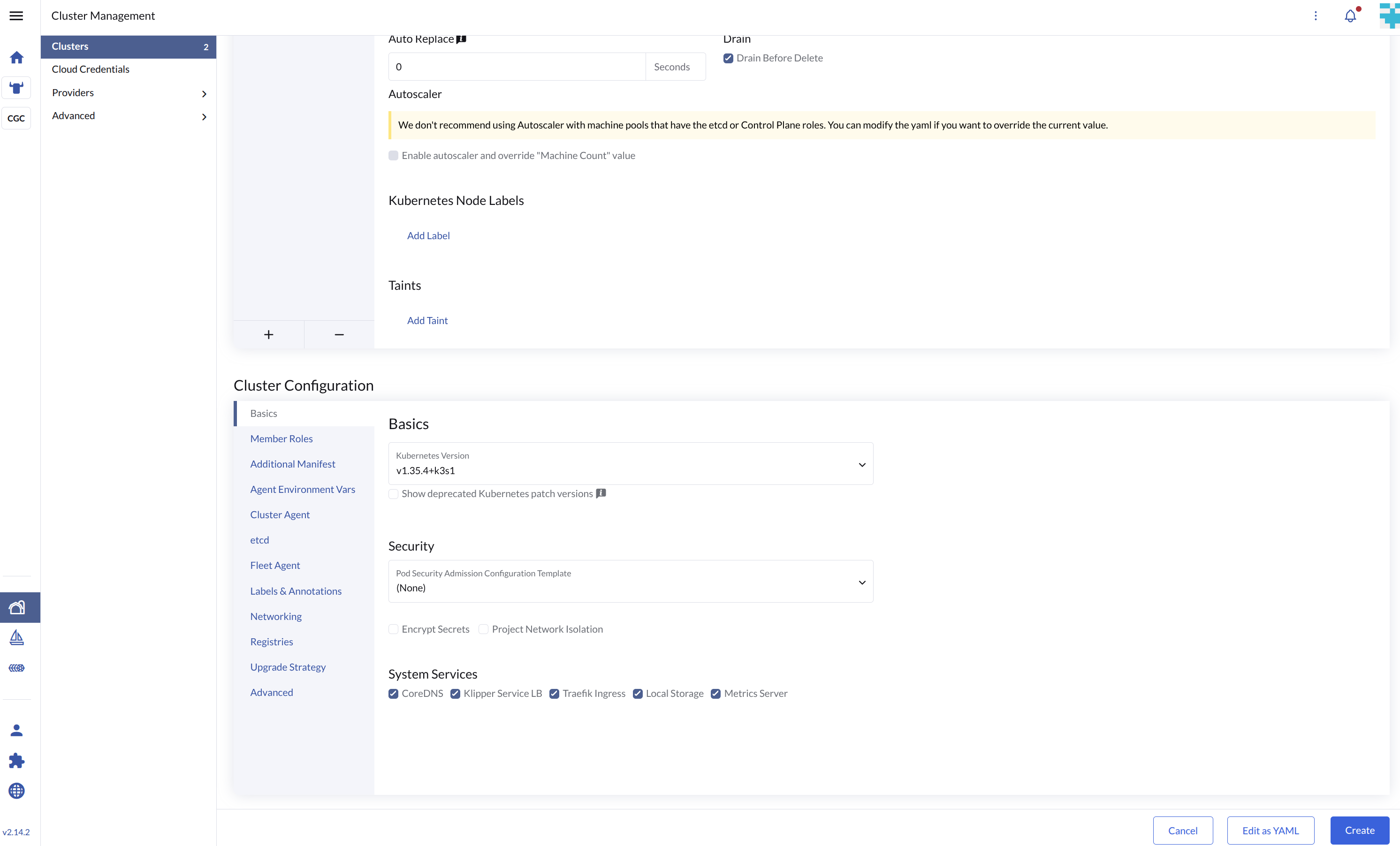
K3s Settings (Only applies if K3s is selected)
|
Only imported SUSE Virtualization clusters are supported by the Harvester Node Driver. |
Add node affinity
The Harvester Node Driver now supports scheduling a group of machines to particular nodes through the node affinity rules. This provides high availability and better resource utilization.
Node affinity can be added to the machine pools during the cluster creation:
-
Click the
Show Advancedbutton and click theAdd Node Selector
-
Set priority to
Requiredif you wish the scheduler to schedule the machines only when the rules are met. -
Click
Add Ruleto specify the node affinity rules, e.g., for the topology spread constraints use case, you can add theregionandzonelabels as follows:key: topology.kubernetes.io/region operator: in list values: us-east-1 --- key: topology.kubernetes.io/zone operator: in list values: us-east-1a
-
Click
Createto save the node template. After the cluster is installed, you can check whether its machine nodes are scheduled according to the affinity rules.
Using Harvester K3s node driver in air gapped environment
K3s provisioning relies on the qemu-guest-agent package to get the IP of the virtual machine.
However, it may not be feasible to install packages in an air gapped environment.
You can address the installation constraints with the following options:
-
Option 1. Use a VM image preconfigured with the required packages (e.g.,
iptables,qemu-guest-agent). -
Option 2. Go to Show Advanced > User Data to allow VMs to install the required packages via an HTTP(S) proxy.
Example of user data in SUSE Virtualization node template:
#cloud-config
apt:
  http_proxy: http://192.168.0.1:3128
  https_proxy: http://192.168.0.1:3128
Guest cluster provisioning failure after re-registering SUSE Virtualization cluster
Guest cluster provisioning may fail with an error similar to the following:
clusters.management.cattle.io "<old-cluster-id>" not foundThis can occur if you remove a SUSE Virtualization cluster from Rancher and later re-register the same cluster, leaving behind stale cloud credentials.
For more information, see Stale cloud credentials after cluster registration.