|
This is unreleased documentation for Vulnerability Scanner 0.13.0-dev. |
VEX Management
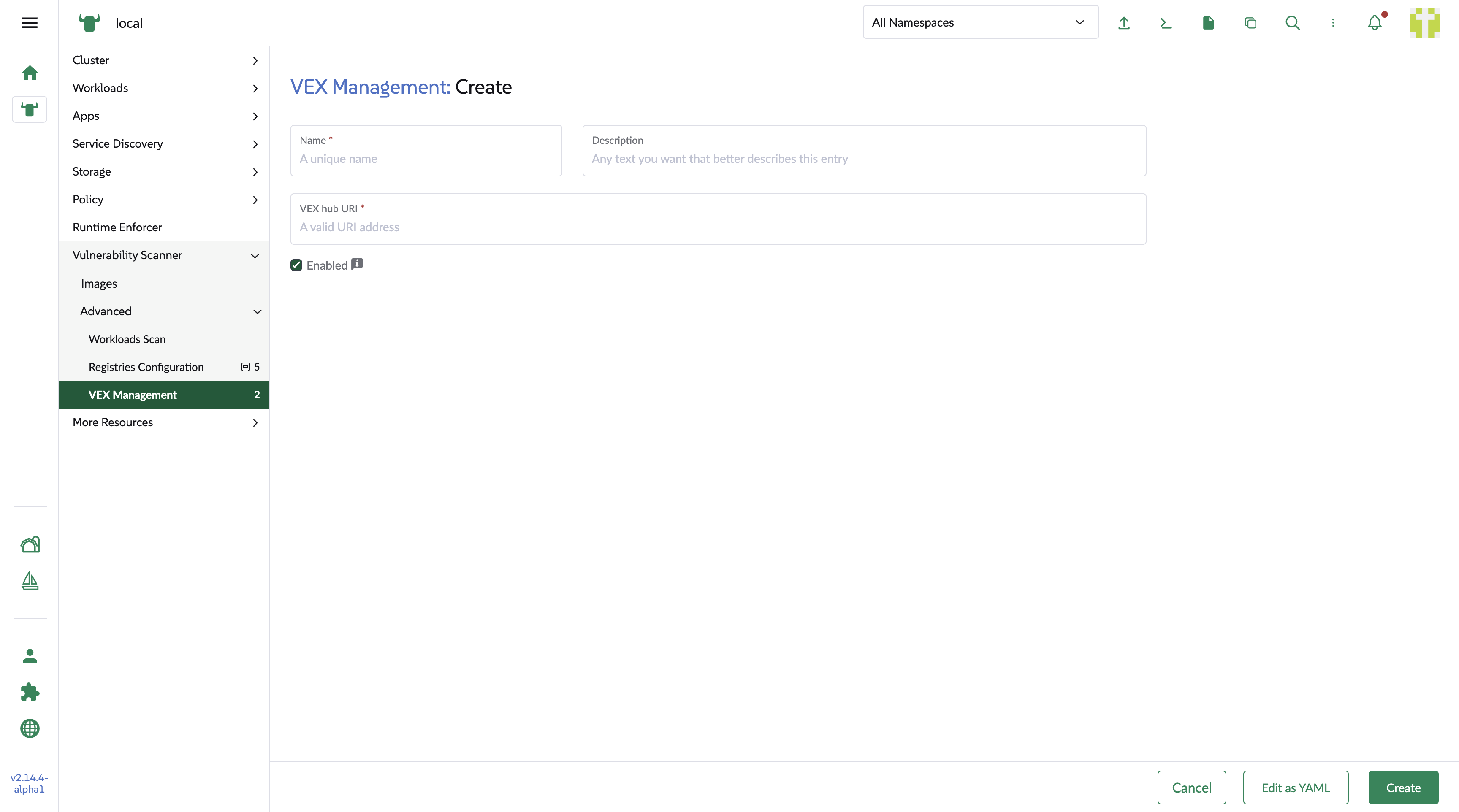
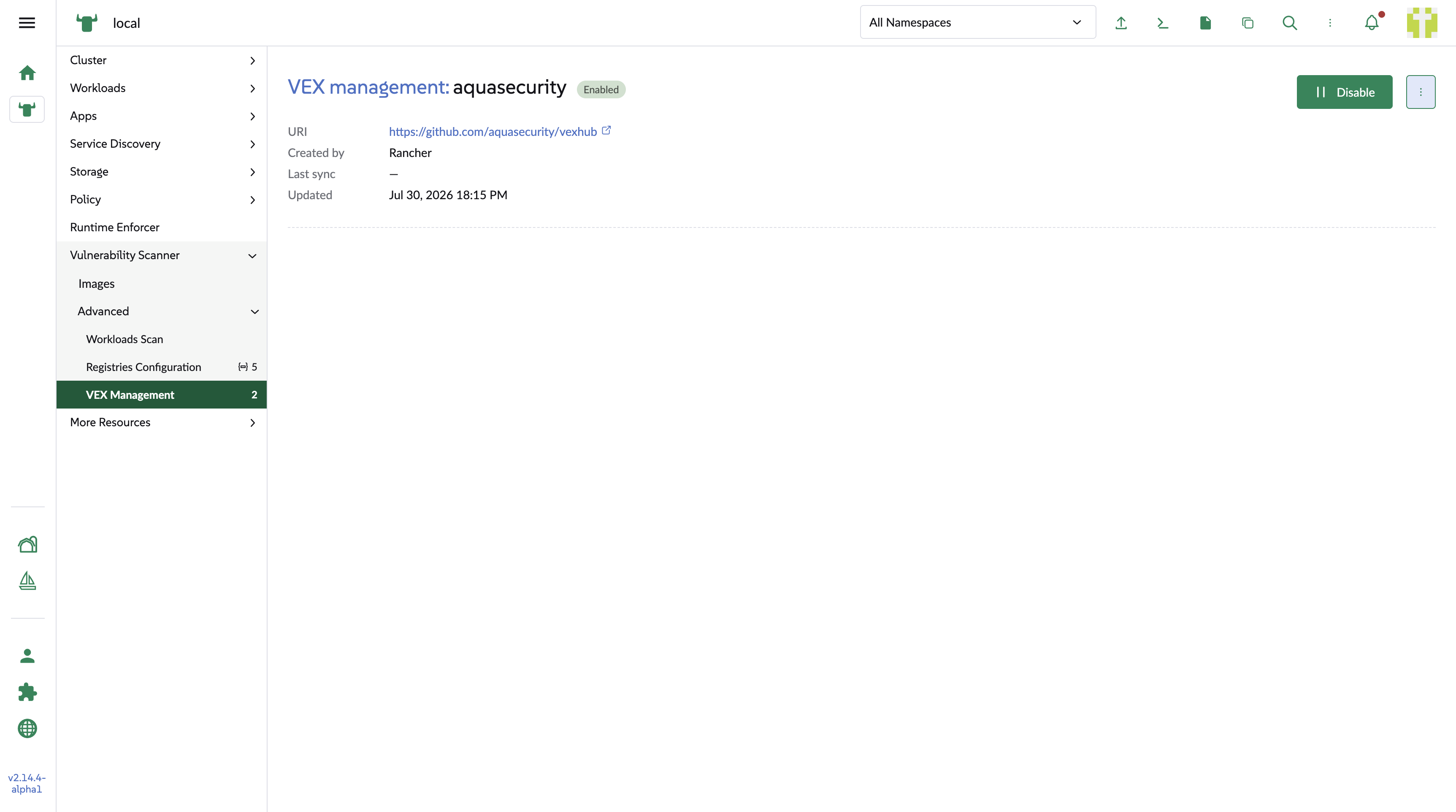
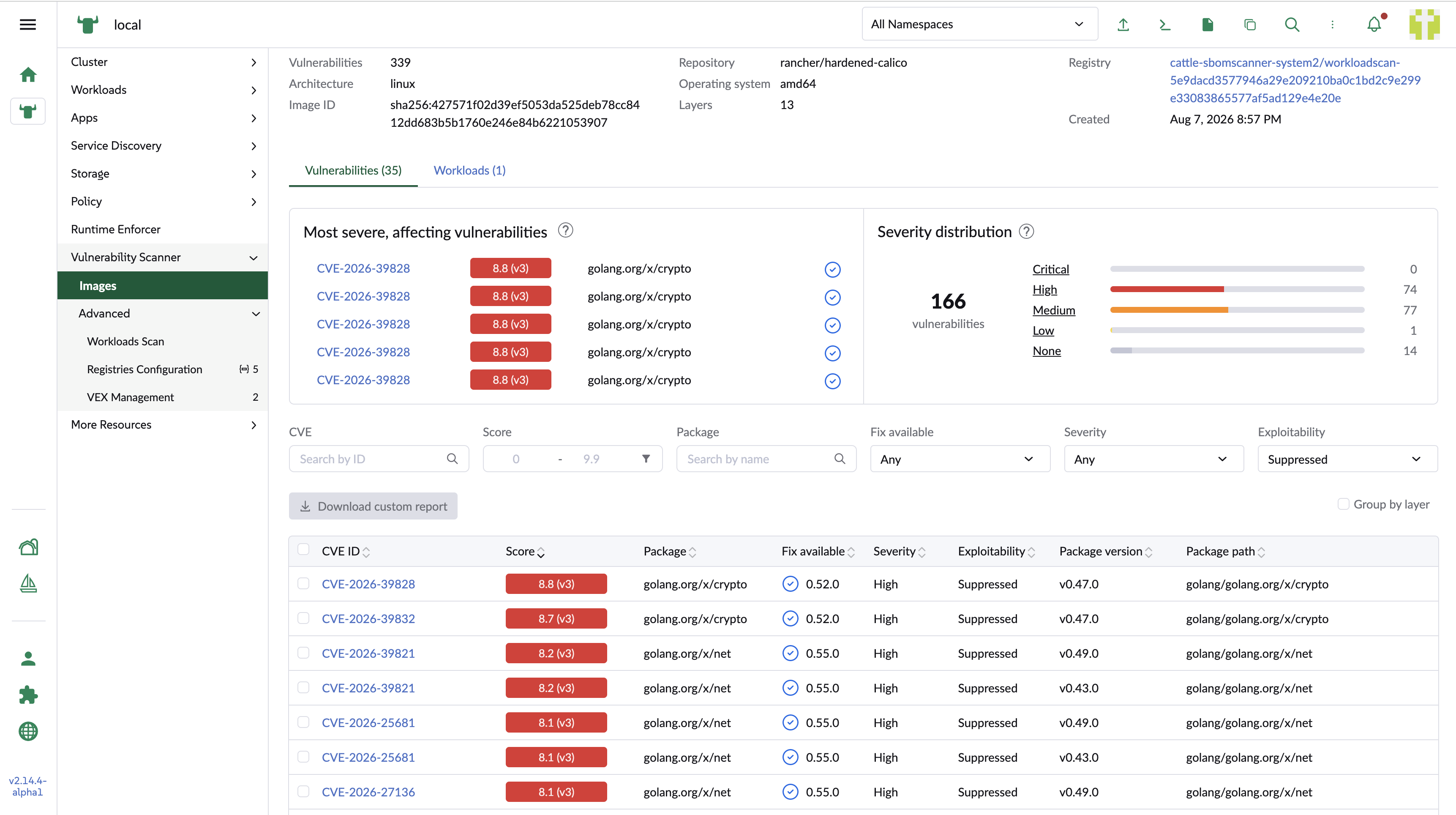
VEX hubs let SUSE Security Vulnerability Scanner suppress vulnerabilities that are known not to be exploitable.
For background on VEX and the VEXHub resource, see VEX Support.
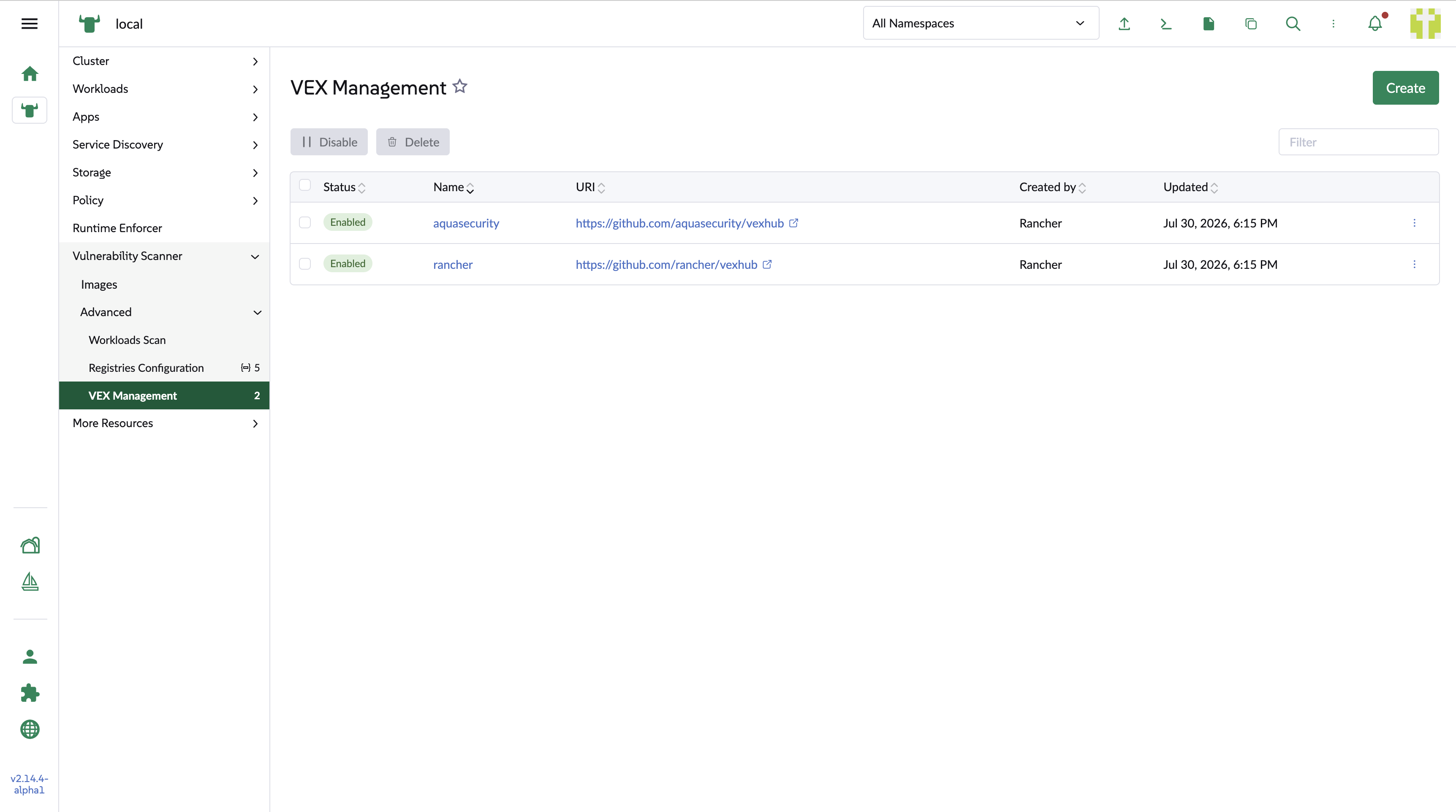
VEX hub list
The list shows each VEX hub with its name, URL, and whether it’s enabled. Toggle the enablement to apply or stop applying a hub. Deletion is enabled when the VEX hub is enabled.