Notification Center
What is the Notification Center?
The Notification Center, located in the upper-right corner of your Rancher dashboard and marked by a bell icon, is your central hub for staying informed about various events within Rancher.
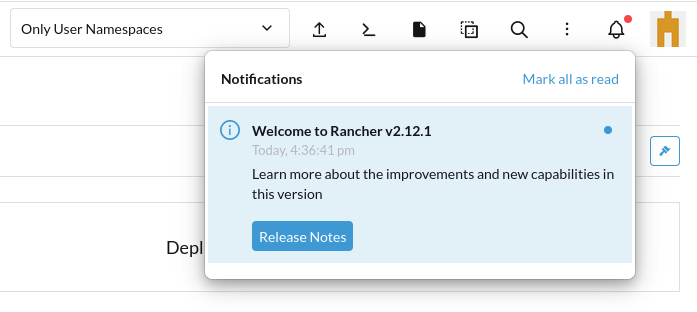
Notifications are categorized by severity and type:
-
Error indicates a high-severity issue.
-
Warning indicates a medium-severity concern.
-
Information provides general updates of lower severity.
-
Task shows that a process or action is currently in progress.
-
Success confirms that a process or action has completed successfully.
For example, you might receive a notification when a new version of Rancher is available, or a direct link to the Rancher Release Notes.
You can easily browse through your notifications using the up and down arrow keys. Certain notifications may also include an associated action, allowing you to respond immediately.